NPSP to Nonprofit Cloud Data Migration (NPC)

Sam Hoult
September 6, 2026

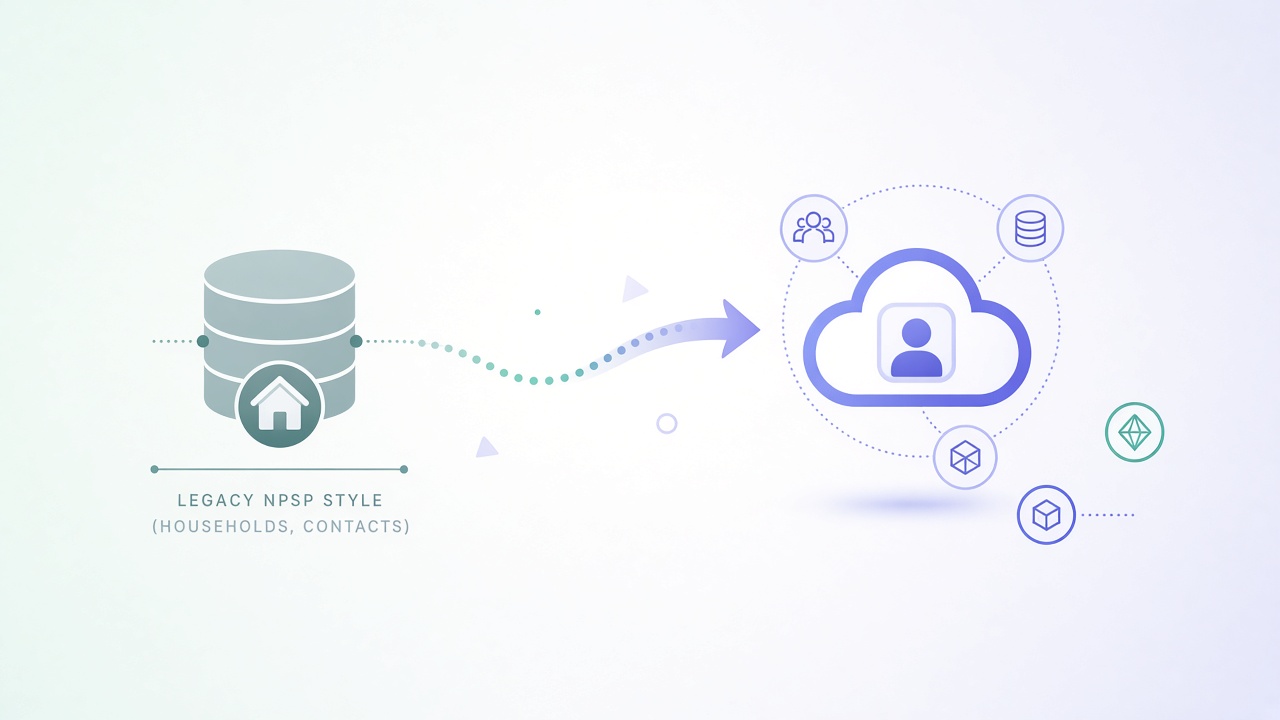
Moving from Nonprofit Success Pack (NPSP) to Nonprofit Cloud (NPC), now branded Agentforce Nonprofit, is not a package upgrade. Salesforce treats it as a reimplementation into a new data model. Person Accounts are mandatory. Households, gifts, and addresses land on different objects. Most teams should plan a new org, not an in-place transform.
This post pulls the main data migration points from Salesforce's Agentforce Nonprofit Migration Guide (v2.0, June 2026): what maps, what splits, and a practical load sequence. Field-level maps still live in Salesforce's Appendix spreadsheet. Your job is to decide the map; a tool like Dataimporter is for running the org-to-org loads once that map exists.
NPSP was a managed package centered on Contacts, Household Accounts, Opportunities, Payments, and GAUs. Agentforce Nonprofit is built into the core platform (same pattern as other Industry Clouds). Objects are more standardized, but they are not 1:1 with NPSP.
Salesforce strongly recommends implementing Agentforce Nonprofit in a new Salesforce org and importing transformed data there. Trying to flip Person Accounts and split Opportunities inside a live NPSP org is the hard path.
High-level moves from NPSP into Agentforce Nonprofit / NPC:
Person AccountBusiness AccountParty Relationship Group (type Household)AccountContactRelation (with roles)Party Role Relationship (types) + ContactContactRelationAccountAccountRelation (optional)Households are optional in AFNP. Many orgs only need Person Accounts plus relationships to employers and other people. If you still need household units, create the Account, then a Party Relationship Group of type Household, then link people with AccountContactRelation.
Contact Point Address, Contact Point Email, Contact Point PhonePreserve multiple and seasonal addresses as Contact Point records related to the right Account. Do not invent a custom address model that fights the roadmap Salesforce is shipping on Contact Point.
Top-level Campaigns are largely a 1:1 move. Segmentation that used deep Campaign hierarchies may move toward Outreach Source Codes in AFNP. Decide that in strategy before you load every child campaign.
General Accounting Units (GAUs) map overall 1:1 to Gift Designations. Allocations become Gift Default Designations and Gift Transaction Designations (junctions to Campaigns, Opportunities, Gift Commitments, and Gift Transactions).
This is the biggest fan-out. NPSP used Opportunities (and Payments, Recurring Donations, soft credits) as the gift spine. AFNP separates commitment from money received.
Gift Commitment + Gift Commitment ScheduleGift Commitment + Gift Transaction(s)Gift Transaction (optional Gift Commitment)Gift Transaction or Gift RefundGift Soft CreditSoft credits that lived across three NPSP shapes collapse into Gift Soft Credit in AFNP. Get that mapping right before you load volume.
Tasks, Events, Emails, and Files are mostly the same objects. Load them after parents exist. Engagement Plans from NPSP do not have an AFNP equivalent. Do not force them across.
Salesforce's guide is software-agnostic. The order still matters because of lookups and the Opportunity split.
Sample-load a filtered subset into a sandbox first. Reconcile record counts and a handful of donor timelines before production cutover. Snapshot the target records you are about to overwrite if you are re-running jobs. See Backup and how to roll back a failed import.
The Salesforce guide does not prescribe a loader. It assumes you will use some tool that can:
That is the Salesforce to Salesforce migration path in Dataimporter: Migration Templates, SOQL filters, formulas for transforms (Record Types, owner mapping, Person Account flags), preview, then schedule or run. Pair it with a pre-job backup when you are loading into an org that already has data you care about.
What Dataimporter does not do: redesign your fundraising process, rebuild NPSP automations as Flows, or invent the Appendix A field map for you. Those stay with your admin team or implementation partner.
For the broader org-to-org pattern (related records, files, sample load, rollback), see the Salesforce to Salesforce migration guide and the migration checklist.
NPSP to Nonprofit Cloud (NPC / Agentforce Nonprofit) is a new-org data migration with a hard Person Account cutover and a gift model that fans one Opportunity into commitments, transactions, designations, and soft credits. Get the map right, load in dependency order, sample first, and keep a rollback path.
If you want to run that sequence between two Salesforce orgs without living in CSV exports, start with a filtered template on Dataimporter Migrate.

